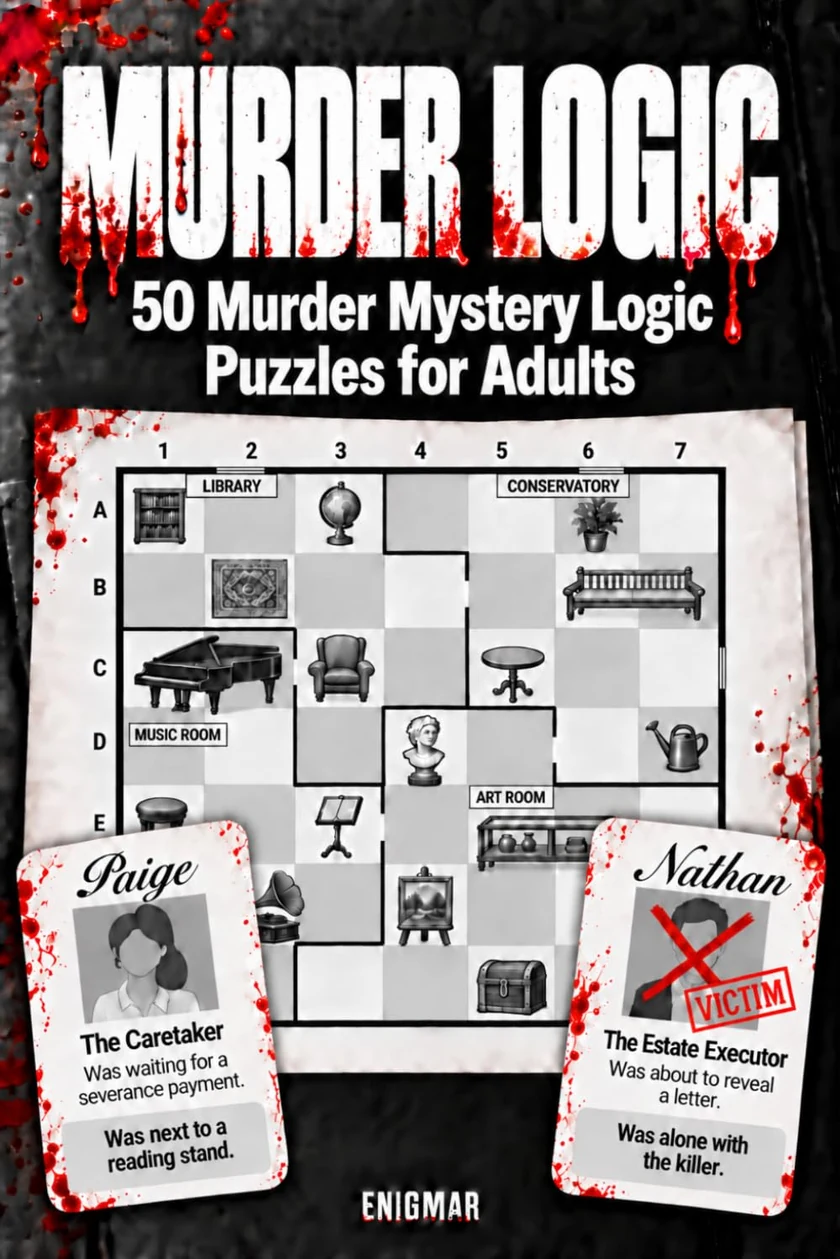
01 / THE BASIC RULE Exactly one person per row and column Place each person exactly once on the grid, including the victim. Each horizontal row and each vertical column must end up with exactly one person . This rule applies across all rooms. If Anna is in the center, the four cells marked × are off-limits to everyone else.
× × Anna × × 02 / YOUR GOAL Who was alone with the victim? One person's card identifies them as the Victim . At the time of the crime, they shared a room with exactly one other person , the killer. First, use the clues to place everyone. Then look in the victim's room: The only other person there is the killer.
Example only: the victim and killer are alone together on the left. The third person is in a different room. 03 / GETTING STARTED Read, connect, rule out Every clue is true. Choose a person and read their clue. Find the cells that fit. Combine that information with the other clues and the rule of one person per row and column.
Not sure yet? Tap a cell to pencil in a possibility. Ready to commit? Hold the cell to place the person. When everyone is placed, select “Check solution” . If you get stuck, use the hints below the character cards.
04 / OBJECTS Can it be occupied, or is it blocked? A person can occupy a chair or rug. A lectern, shelf, or other bulky furniture blocks every cell in its footprint.
✓ Can be occupied × Blocked 05 / DIRECTION OR ADJACENCY? “To the right of” isn't “immediately to the right of” The word “immediately” makes the difference. The green cells satisfy this clue alone. Other clues or occupied rows and columns may rule them out later.
“To the right of a lectern” · ✓ ✓ ✓ ✓ · ✓ ✓ In a column farther to the right. Any row works. Greater distances and other rooms are allowed.“Immediately to the right of a lectern” · · · ✓ · · · · Exactly the next cell to the right. Same row, no cell in between, in the same room as the furniture.The dark line before the last column is a room wall. ✓ fits the clue · dot = doesn't fit Left works the same way. For vertical clues, “above/below” gives a direction; “one cell directly above/below” means adjacency in the same room.
06 / CLUE WORDING “Next to a shelf” The directly neighboring cell above, below, left, or right in the same room . Diagonal cells and cells across a room wall don't count.
× ✓ × ✓ ✓ × ✓ × 07 / ABOVE AND BELOW FURNITURE “One cell directly below”: immediately below, in the same room “One cell directly below an object” means the immediately adjacent cell below: the same column, one row down, and the same room . “One cell directly above” works the same way, upward. An adjacent space in another room does not qualify, even if it touches the object. A doorway does not cancel this room rule.
This same-room rule applies to adjacency to furniture , including “next to,” “immediately left of,” and “immediately right of.” It isn't an extra restriction on every direction clue.
✓ In the same room ✓ Directly below and in the same room: fits. × In another room × Directly below but across a room wall: doesn't fit. “Below” is different: Greater distances, different columns, and other rooms are allowed. “Above” works the same way.
08 / EXACT DIRECTION “Immediately to the right of the lectern” The very next cell to the lectern's right, in the same row and room. “To the right of,” without “immediately,” simply means in a column farther right. For furniture spanning several cells, use its entire outer edge.
✓ × 09 / GRID SYMBOLS Doors, windows, and room walls A thick dark line marks a room boundary. Gold posts with a light gap mark a doorway. Two blue lines on the outside wall mark a window. Colors distinguish the rooms.
Wall Door Window
10 / ROOM CLUE “Not in the Office” Every Office cell is ruled out for this person. Cells in other rooms remain possible under this clue alone.
OFFICE × ANOTHER ROOM ✓
11 / DIAGONAL CLUES Diagonally adjacent or on the same diagonal? “Diagonally adjacent” means exactly one row and one column apart. “On the same diagonal” also allows greater distances along the diagonal. Up-left, up-right, down-left, and down-right work the same way. A room wall doesn't affect these relationships between people.
Anna is diagonally adjacent to Benno . Clara is on the same diagonal but farther away. 12 / DISTANCE One row away doesn't mean a neighboring cell “Exactly one row above” fixes the row difference . The column can be different. “One cell directly above a piece of furniture,” however, means the immediately neighboring cell in the same column and room.
Anna Benno Anna is one row above Benno . She doesn't have to be directly above him. 13 / DIRECTION “Above” covers more ground “Above an object” means: any row above it, including the one immediately above. Any column works. Several rows of distance and a different room are allowed. For furniture spanning multiple cells, use its entire outer edge . “Immediately adjacent” is more specific, as shown above.
✓ ✓ Anna ✓ ✓ ✓ Shelf Both green rows fit. ✓ = fits “above.” Anna shows just one possibility; the row immediately above the shelf also works.14 / ROOM & OBJECT Same row, column, or room “In the same row as a shelf” compares only the row. “In the same column” compares only the column. The person can be in a different room. “In the same room” refers to the colored room area; a doorway doesn't merge two rooms into one.
Anna: same row. Benno: same column. 15 / ROOM CORNER A corner of the room A corner is where a horizontal and a vertical room boundary meet. A interior wall can also form a room corner. A doorway doesn't change which room a cell belongs to.
Anna another Anna stands where two room walls meet . 16 / OPENINGS At a window or doorway “At a window” applies only to the cell directly beside the two blue lines. “At a doorway” applies to the two cells on either side of the light opening , one in each room. Other windows and doorways are checked individually.
Anna WINDOW Benno DOOR 17 / CONTROLS Tap to pencil in. Hold to place. Choose a person. Tap a cell to pencil them in. Hold the cell until the ring fills to place them. × marks then appear automatically in the rest of their row and column. The Pencil in / Place tool supports both gestures. Keyboard: Enter to pencil in; Shift + Enter to place. Exclude rules out a cell; Erase removes your mark.
Choose Anna A Tap: pencil in
Hold: place The small A is a pencil mark for Anna. The large portrait means she's placed.